Options Page
Pop-up Settings
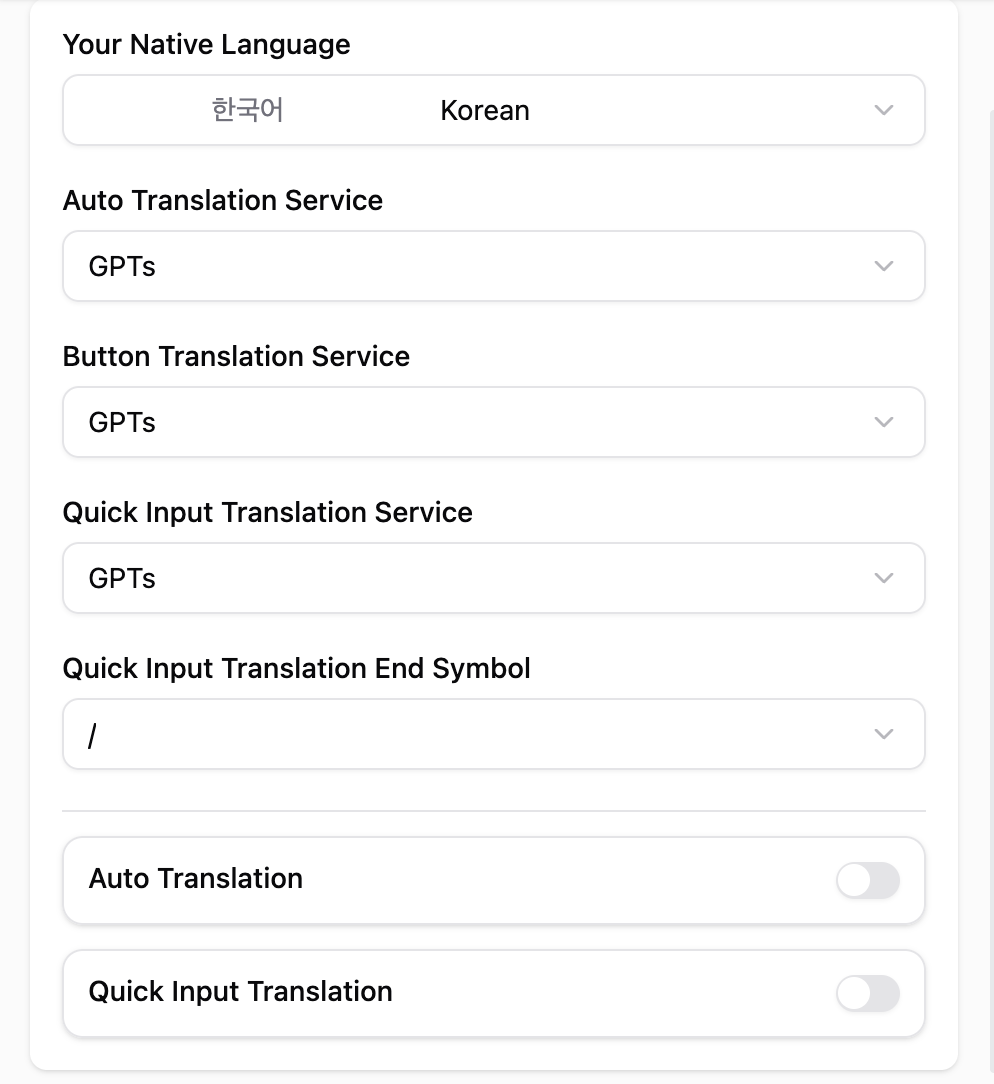
Click the extension icon in your browser toolbar to open the pop-up settings for WhatsApp Translator. From here, you can quickly enable or disable the translator, choose your preferred target language, and access additional settings.Use the pop-up for quick changes without opening the full options page.
Full Options Page
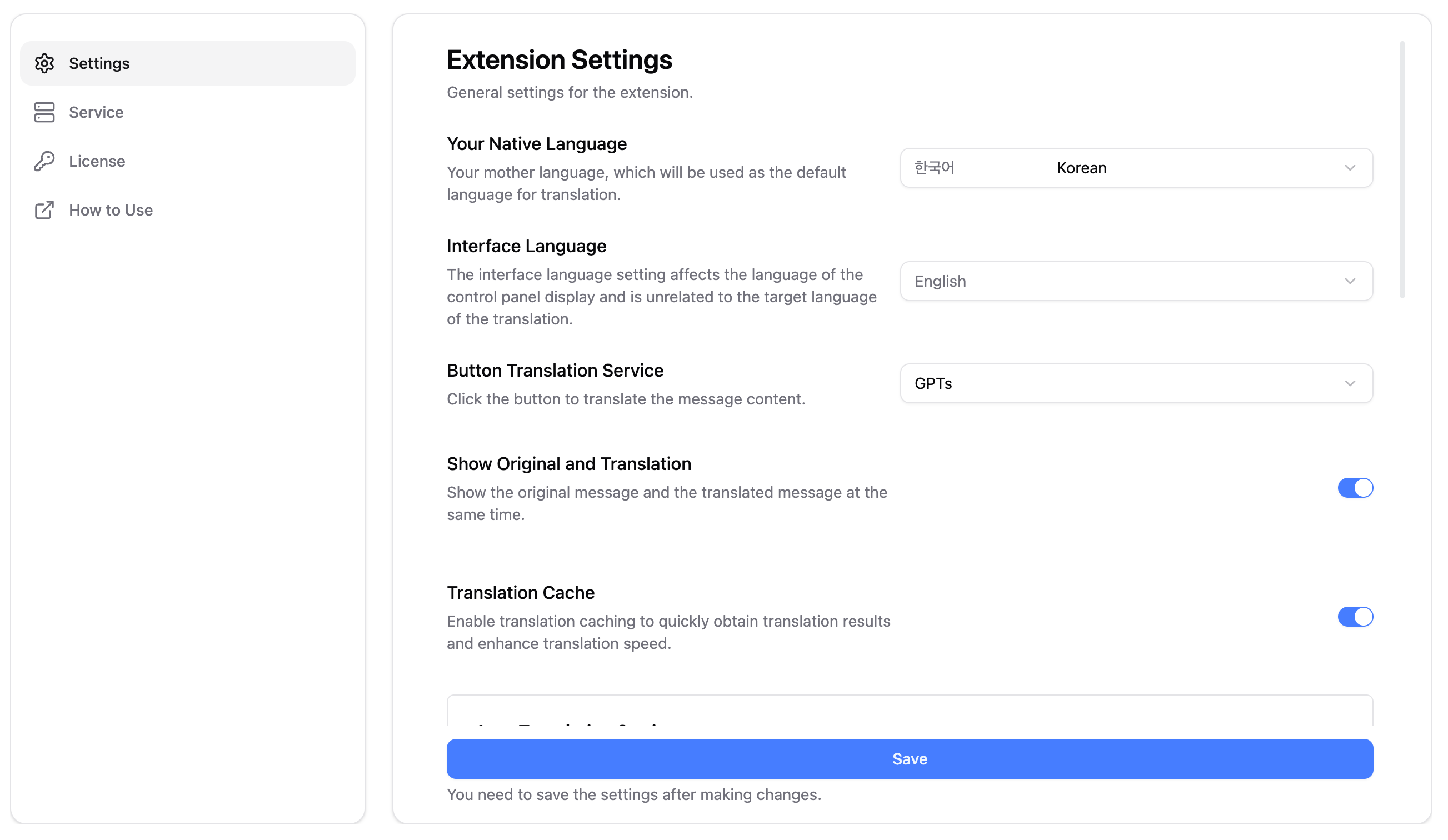
Right-click the extension icon and select “Options” to access the full settings page. This page provides more detailed configuration options for WhatsApp Translator.The full options page is recommended for first-time setup or advanced
configurations.
Auto Translation
1
2
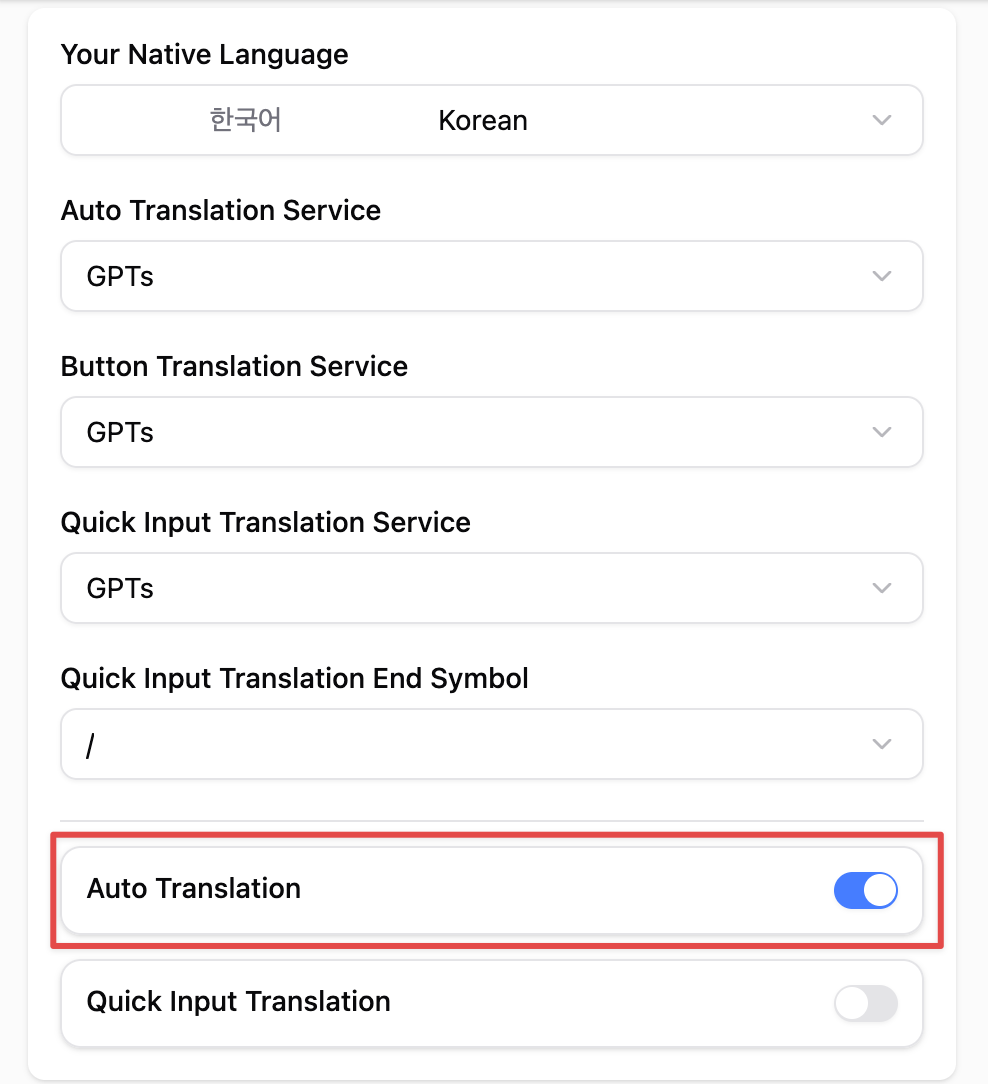
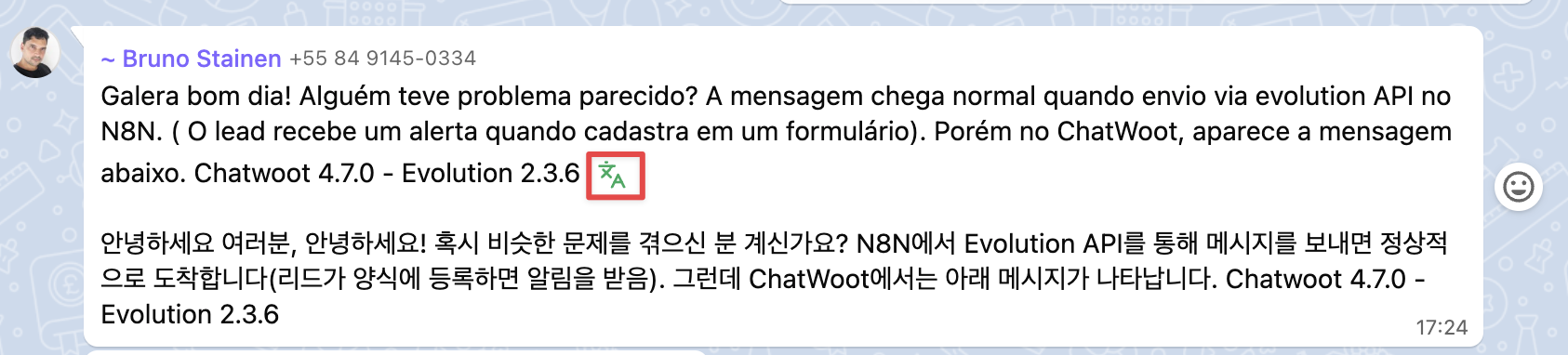
Button Translation
1
Open WhatsApp Web
Navigate to WhatsApp Web and open a chat where you want to translate messages.2
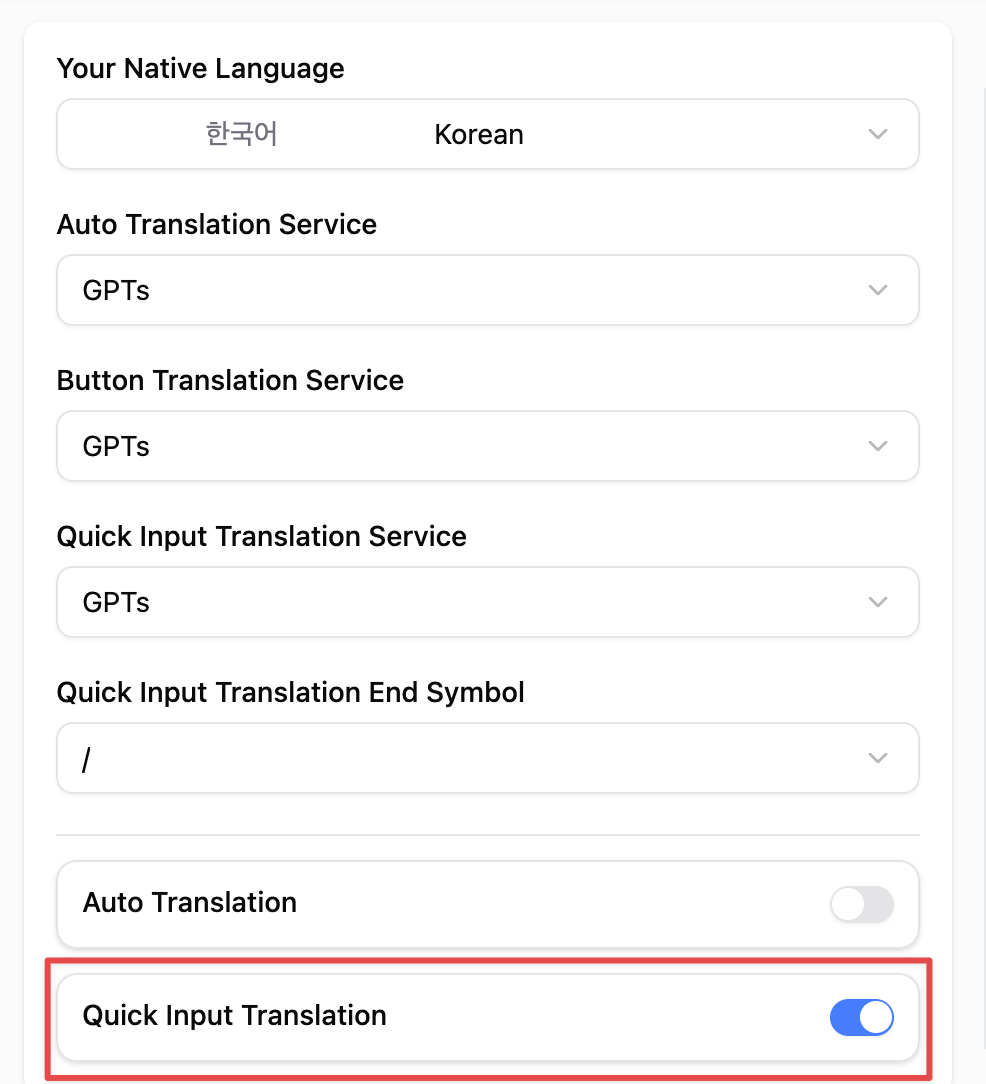
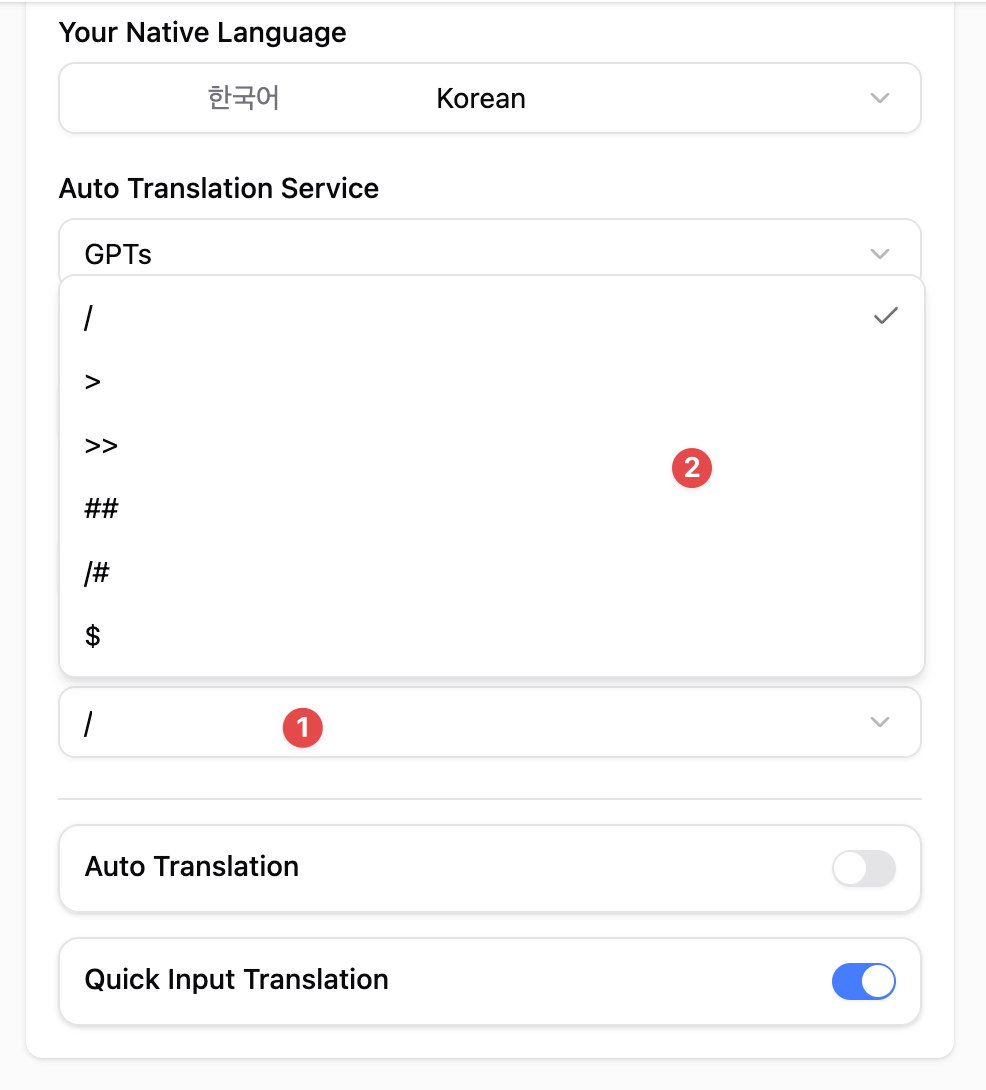
Quick Input Translation
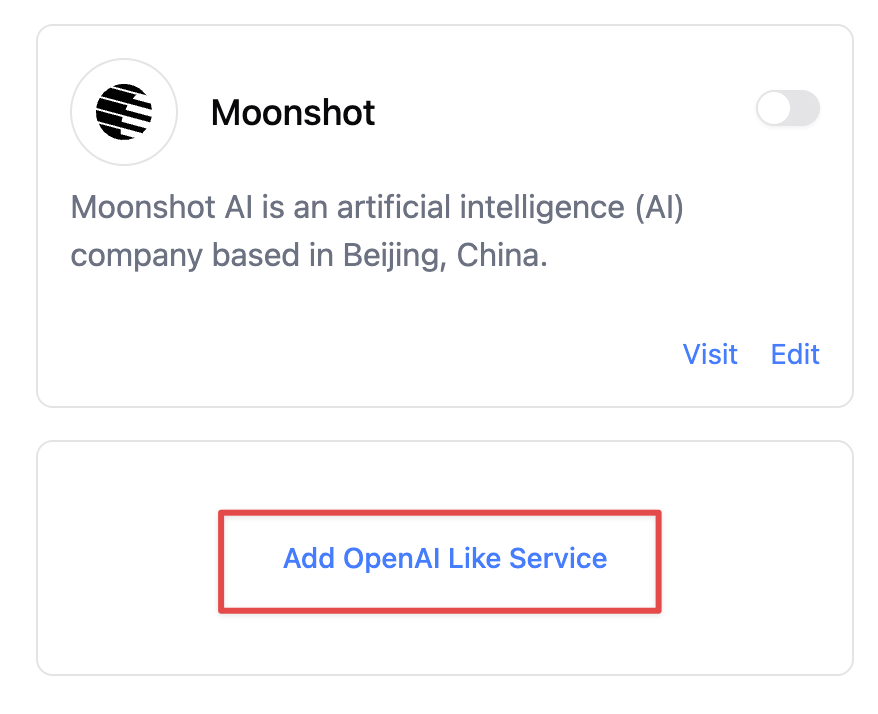
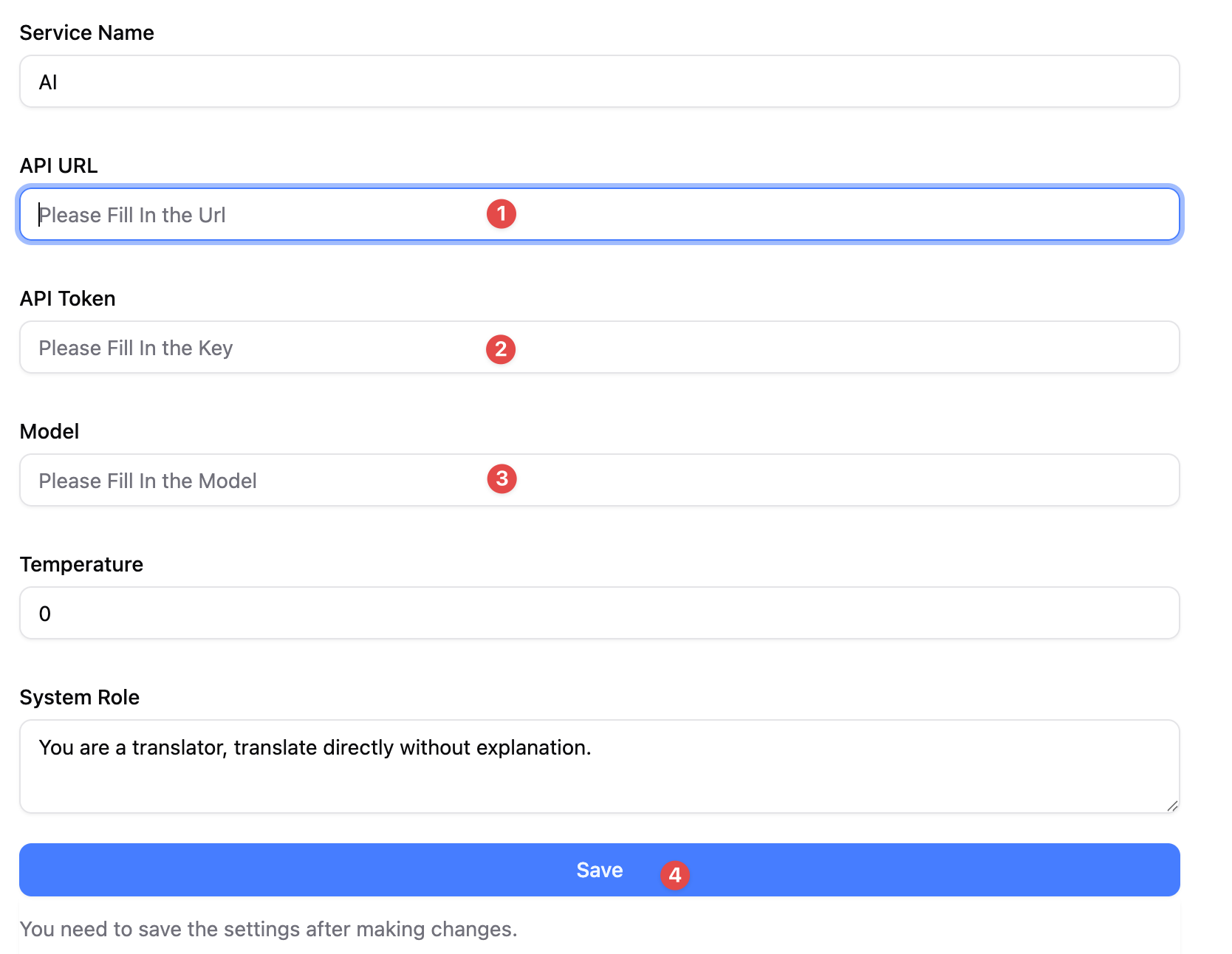
AI Translation Service Settings
1
2
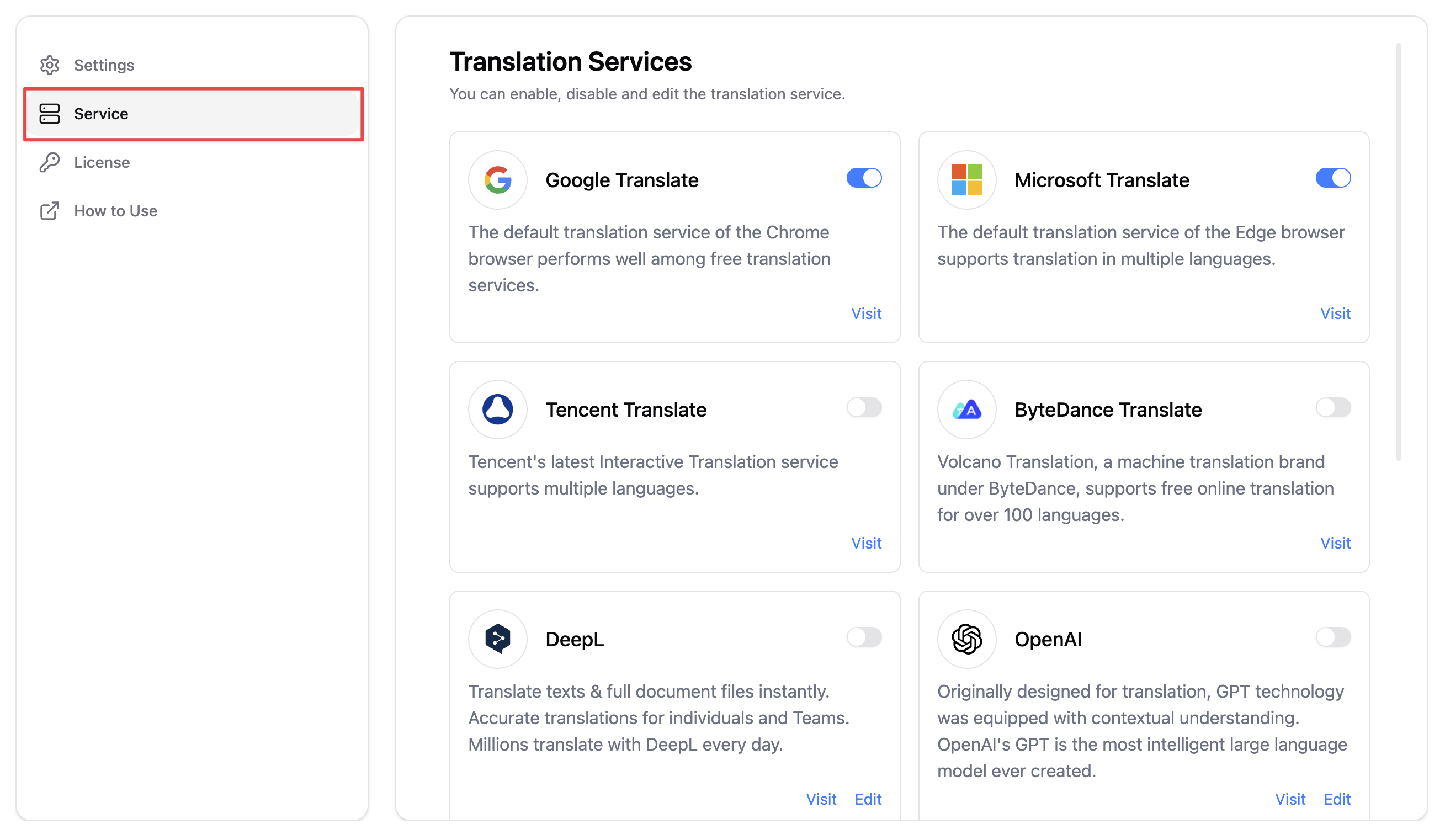
3
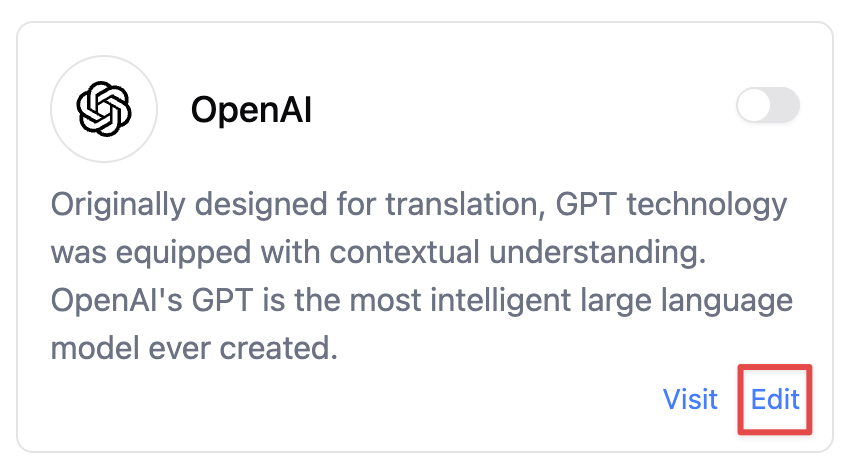
4